

Local File Generator
AI-powered generation of OECD and country-specific Local File reports — from entity selection and transaction mapping to economic analysis and final documentation.
Overview
The Local File Generator automates the most time-consuming part of transfer pricing compliance: creating Local File reports. Walk through a guided 4-step workflow — Report Details, Related Parties & Connected Persons, Economic Analysis, and Data Upload & Annexures — and let AI assemble a fully compliant Local File document. Select your entity, define transactions and business models, map related parties, and attach benchmarking data. The system pulls in entity details, financials, and BM study outputs to produce audit-ready documentation in minutes instead of weeks.
Platform Screenshots
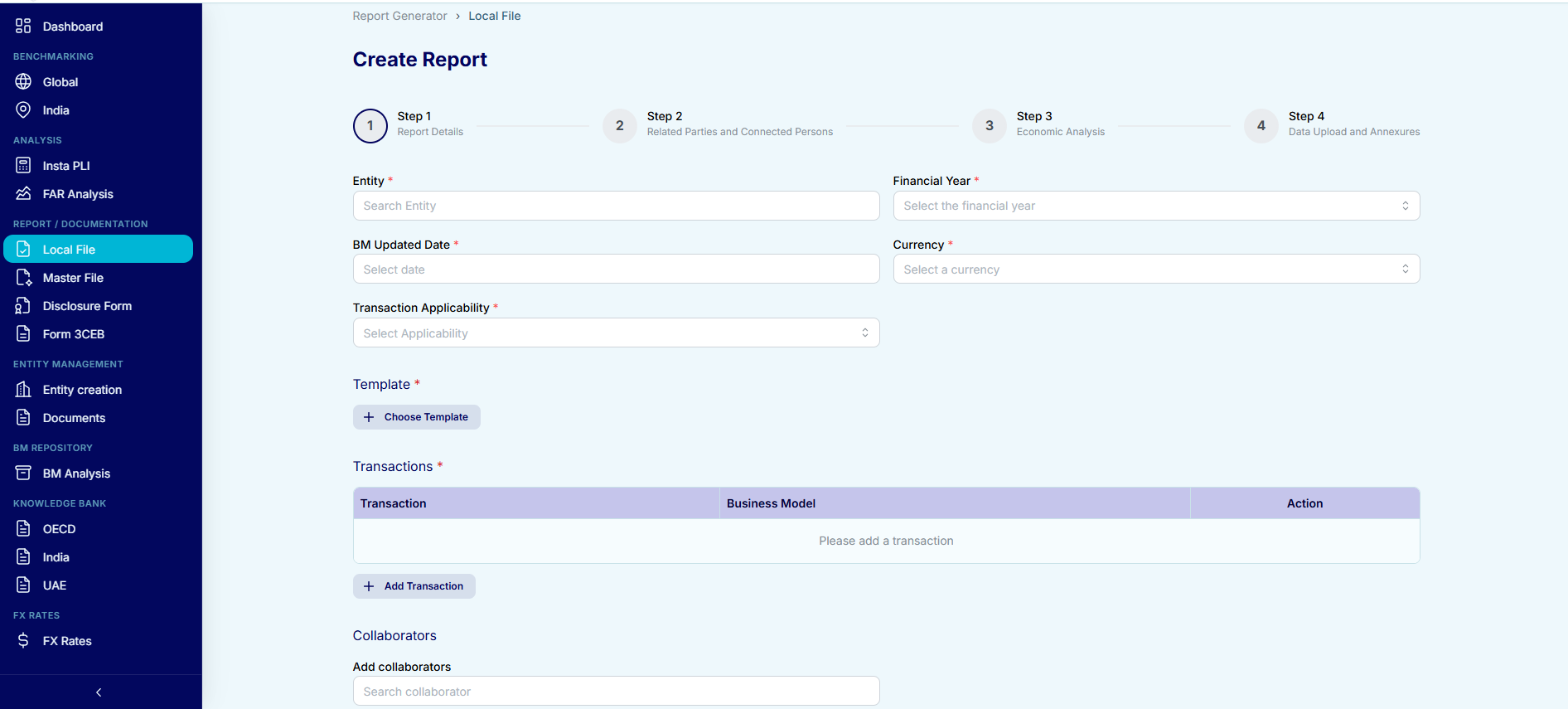
Step 1 — Report Details: select entity, set financial year and currency, define transactions with business models, and add collaborators.
Key Capabilities
4-Step Guided Workflow
Report Details → Related Parties & Connected Persons → Economic Analysis → Data Upload & Annexures. A clear step indicator keeps you on track.
Entity & Transaction Mapping
Select entities, define transactions with business models, set financial year, currency, and BM updated date — all in one screen.
Related Party & Connected Person Profiling
Add and manage related parties and connected persons with TP methods, PLI values, transaction values, and nature of transactions.
AI-Driven Economic Analysis
AI generates economic analysis sections — FAR profiling, comparability analysis, and TP method selection — aligned with OECD guidelines.
Template Selection
Choose from country-specific Local File templates (OECD, India, UAE, and more) to ensure jurisdiction-level compliance.
One-Click Report Build
Attach annexures, link Excel data to analysis tables, and hit Build Report to generate the complete Local File document.